Understanding Selfie Mosaic
What Is a Selfie Mosaic?
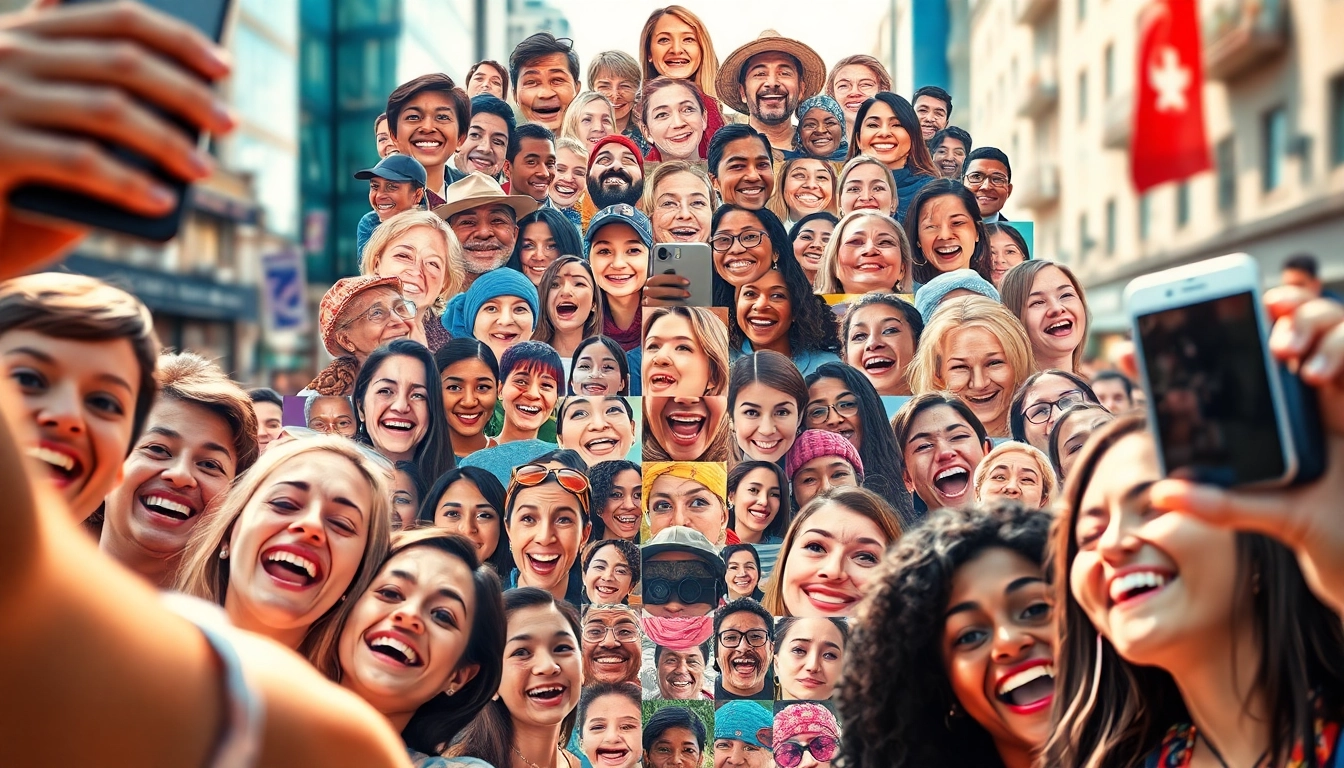
A selfie mosaic is a creative art form that combines multiple photographs of a person, usually selfies, to create a larger, cohesive image. This technique utilizes visual data from various smaller images, resulting in a stunning representation that often invites viewers to explore individual details within the collective whole. The concept is akin to pixel art, where tiny squares come together to form an intricate, larger picture, allowing for personal expression and digital storytelling.
The History of Selfie Mosaics
The evolution of selfies coincides with the advancement of smartphone technology and social media platforms, with selfies gaining popularity in the early 2000s. The idea of creating a mosaic from selfies emerged within the digital art community as artists sought new ways to depict identity and experiences. Early iterations involved manual arrangements of physical photos, but with the advent of sophisticated software, creating digital mosaics became accessible to everyone. Today, selfie mosaics can be found in personal projects, corporate branding, and even large-scale public art installations, reflecting cultural moments and social movements.
Why Create a Selfie Mosaic?
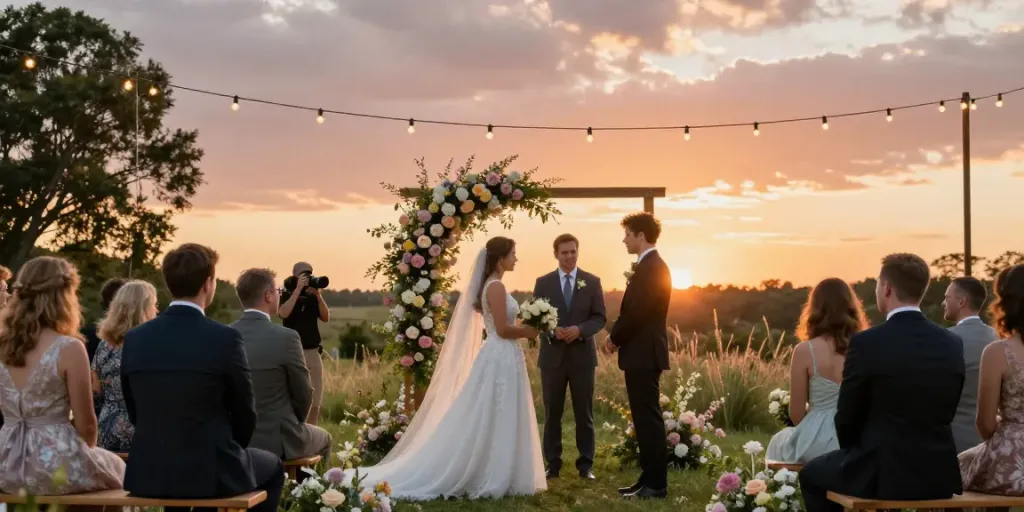
The motivation behind creating a selfie mosaic varies from personal self-expression to artistic exploration. Many individuals use this format to celebrate significant life events, such as birthdays, weddings, or achievements, transforming their cherished moments into a visual narrative. Additionally, artists experiment with selfie mosaics to challenge perceptions of identity and to reflect societal trends. For businesses, a well-designed selfie mosaic can serve as an innovative marketing tool, connecting with audiences on a personal level and fostering community engagement.
How to Create a Selfie Mosaic
Gathering the Right Selfies
The first step in crafting a striking selfie mosaic is collecting the right set of selfies. Begin by defining the theme or message you want to convey through your mosaic. This could be a color scheme, emotion, or a specific event. Gather a diverse range of selfies that fit your theme, ensuring variations in expression, background, and composition. High-quality images will yield better results, so it's important to consider lighting and clarity while selecting your selfies.
Choosing the Best Software Tools
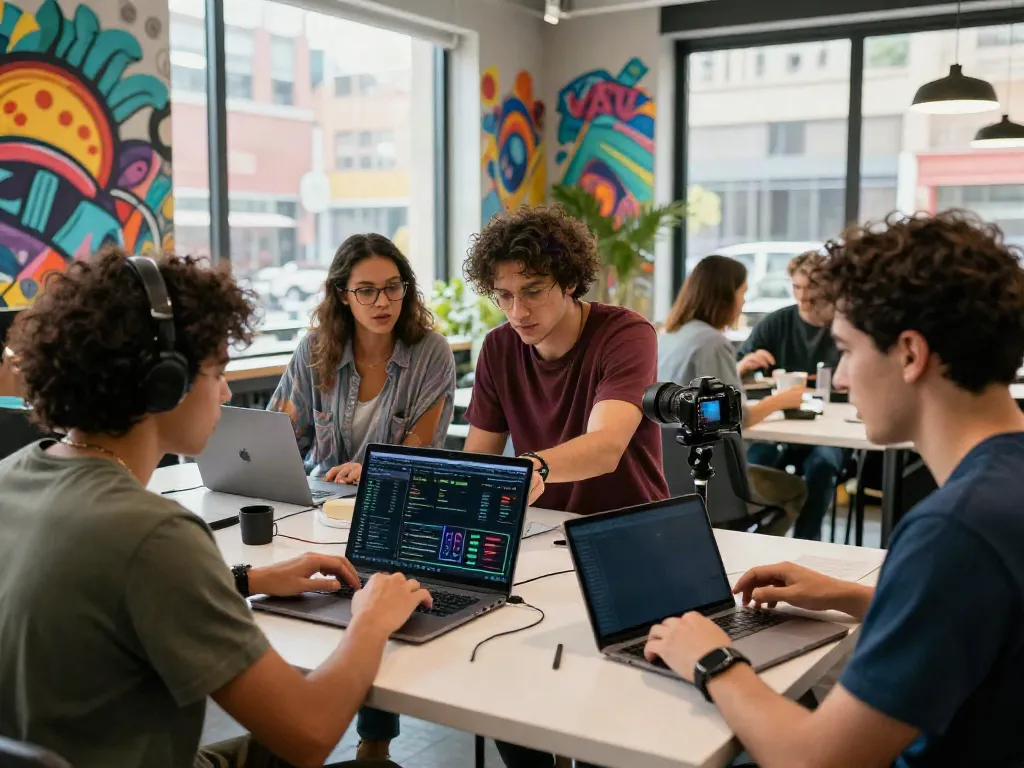
Creating a selfie mosaic requires appropriate software tools that can handle the complexity of merging multiple images into one cohesive piece. Popular options include Photo Mosaic Maker, Mosaic Creator, and Mosaically, each offering unique features tailored to different skill levels. When selecting a tool, consider factors such as ease of use, customization options, and the ability to export in high resolution. For beginners, user-friendly applications with tutorials can be invaluable, while advanced users may seek more customizable options for intricate designs.
Step-by-Step Creation Process
- Upload Your Selfies: Import your selected selfies into the chosen mosaic software.
- Set Parameters: Adjust settings for tile size, color matching, and the overall dimensions of the final mosaic.
- Preview the Mosaic: Use the software's preview feature to visualize how the individual selfies align to form the larger image.
- Make Adjustments: Based on the preview, you might want to tweak individual images or colors to achieve a better visual balance.
- Finalize and Export: Once satisfied with the design, export the final image in your desired format, ensuring quality is maintained.
Enhancing Your Selfie Mosaic
Color Schemes and Themes
Choosing the right color scheme is crucial in enhancing your selfie mosaic’s visual impact. Consider color harmony and contrast to draw attention to your mosaic's focal points. You might opt for a monochromatic palette for a subtle look or a vibrant combination that celebrates diversity. Additionally, constructing a theme around your color choice, such as a seasonal motif or a sentimental color scheme that resonates with personal experiences, can add depth to your creation.
Adding Text and Graphics
Incorporating text and graphics can elevate your selfie mosaic, transforming it into a narrative piece. Consider using inspirational quotes, personal messages, or small icons that represent milestones or passions. Most mosaic software provides options for layering text and graphics directly onto the image, allowing for artistic freedom in placement and font selection. Ensure any added elements complement the overall design and enhance the viewer's understanding of the mosaic's story.
Incorporating Music and Video Elements
To take your selfie mosaic to the next level, consider blending multimedia elements. Some platforms allow the integration of music or video clips into your mosaics, creating a dynamic experience for viewers. For instance, you might synchronize a slideshow of your selfies with a favorite song that captures the essence of your images. This multimedia approach not only entertains but also enhances emotional connection through audio-visual storytelling.
Sharing and Displaying Your Selfie Mosaic
Best Platforms for Sharing
Once your mosaic is complete, it's essential to share it across platforms where it can gain the most visibility. Social media platforms like Instagram, Facebook, and Pinterest are ideal due to their focus on visual content. Additionally, consider uploading your mosaic to photography forums or community art websites that encourage sharing digital art. Engaging with audiences through these channels can also lead to feedback and inspiration for future projects.
Creating Physical Displays
Transforming your digital selfie mosaic into a physical display can add a personal touch to your home or office. Options include printing your mosaic on canvas, creating a poster, or even using it as a backdrop for events. Collaborating with local print shops can provide advice on material selections and presentation styles to ensure your mosaic translates beautifully from screen to space.
Engaging Your Audience Online
Engagement is key when sharing your selfie mosaic online. Encourage viewers to comment, share, and even contribute their selfies for future mosaics. Hosting a contest or theme-related challenges can create community involvement, sparking creativity among followers. By responding actively to comments and sharing insights into your creative process, you can foster a loyal audience eager to support your artistic journey.
Common Challenges and Solutions
Dealing with Low-Quality Images
Low-quality images can hinder the effectiveness of your selfie mosaic, resulting in blurred or unrecognizable details. To minimize this issue, prioritize high-resolution images in your initial selection process. If you must work with lower quality selfies, utilizing software that enhances image quality can make a difference. Additionally, consider using artistic filters that can blur imperfections while maintaining the overall aesthetic of the mosaic.
Overcoming Technical Difficulties
Technical challenges can arise during the creation of a selfie mosaic, whether it's software crashes or incompatibility issues. To mitigate these difficulties, always keep your software updated and save work frequently to avoid loss. Familiarize yourself with the software's support resources, including tutorials and forums, to troubleshoot common problems effectively. Engaging with a community of mosaic artists can also provide valuable tips and insights.
Inspiring Others with Your Work
Sharing your processes and insights can inspire others to create their selfie mosaics. Document your journey on social media or a blog, detailing challenges faced and solutions found along the way. Encourage viewers to share their mosaic creations inspired by yours, fostering a community of creativity and collaboration. This can help build a supportive environment for artists of all levels to explore and expand their skills.
FAQs About Selfie Mosaics
What is a selfie mosaic?
A selfie mosaic is a larger image made up of many smaller selfies, arranged to create a cohesive visual experience.
How can I create a selfie mosaic?
You can create a selfie mosaic by gathering selfies, choosing software, and following a step-by-step process to arrange them visually.
What software is best for making selfies mosaics?
Popular software options for creating selfie mosaics include Mosaic Creator, Photo Mosaic Maker, and Mosaically among others.
How can I enhance my selfie mosaic?
Enhancing your selfie mosaic involves selecting appealing color schemes, adding text, graphics, and potentially integrating music or video elements.
Can I turn my selfie mosaic into a physical print?
Yes, you can print your selfie mosaic on various materials such as canvas, posters, or use it as a backdrop for events.